
scrin.io takes screenshots of your team’s screens while they are tracking time. The intervals are random, and the person is notified every time.
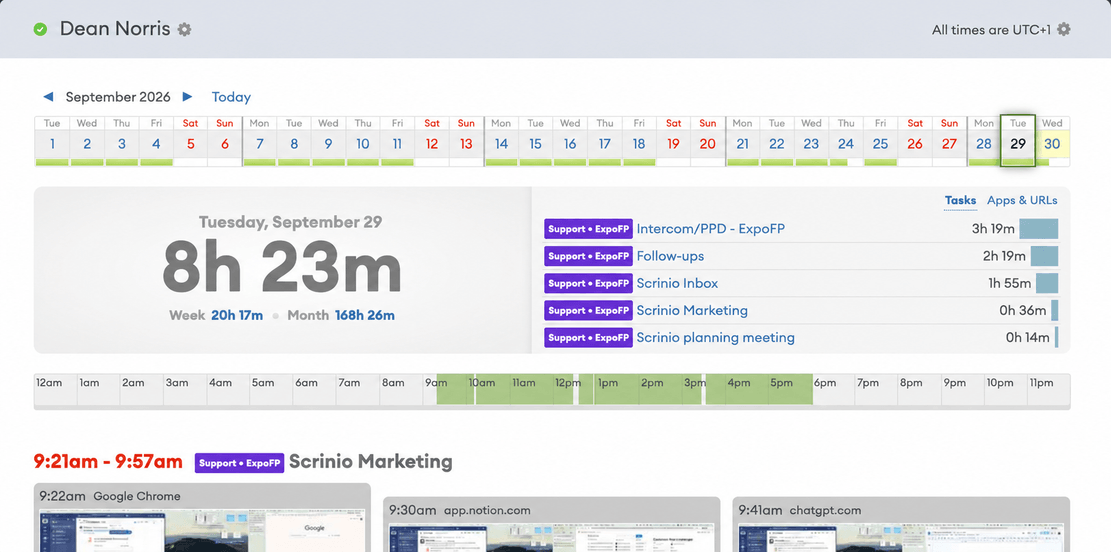
Random intervals
Most trackers take a screenshot every ten minutes. That is predictable, and people learn when the next one is due. scrin.io picks each interval at random instead, so the rate you set is an average rather than a timetable.
- About one capture in ten arrives a minute after the previous one.
- The longest gap is just under twice the interval you set.
- Two screenshots a minute apart are normal. It is the feature working, not a bug.
Screenshots per hour
Set one rate for the whole team, or a different rate for one person. The Help Center explains how screenshots are taken.
| Plan | Screenshots per hour | Can be raised to |
|---|---|---|
| Free | 3 | 3 |
| Standard | 6 | 6 |
| Professional | 12 | 30 |
Your team is notified
Every capture shows a small notification near the system tray of the person it was taken from. It is on by default.
This is deliberate. A screenshot nobody knew about is worth less as evidence, and it costs you trust.
There is no stealth mode. The app cannot be hidden, because that option was never built. See privacy & transparency.
Blurred screenshots
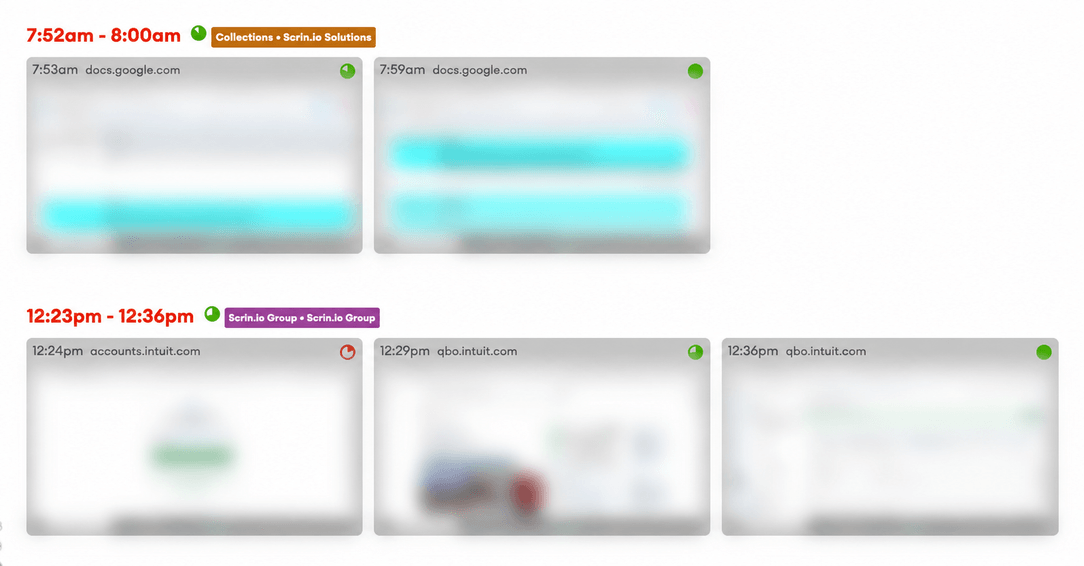
You can blur screenshots for the whole team or for one person. A blurred screenshot still shows that work was happening and what kind of screen it was, but the text on it cannot be read. For most timesheets, that is enough.
Multiple monitors
All connected displays are captured, by default. This matters most for people working across two or three screens, where the reference is on one monitor and the work on another. You can exclude a secondary screen for a particular person.
Who can see the screenshots
- Managers see their team’s screenshots on the timeline, next to the time they belong to.
- Everyone sees their own, and can delete any data they submitted.
- You can include screenshots in a shared report link, or leave them out.
More features
All features · How it works · Plans & pricing