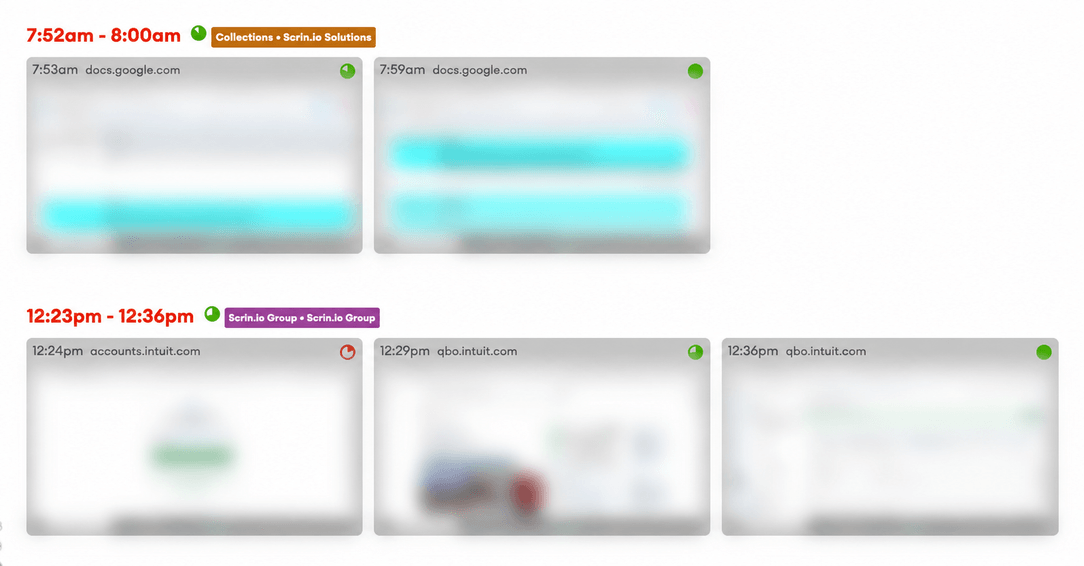
Activity level shows how much of the tracked time had real keyboard or mouse input. It is a percentage, stored with the screenshot it belongs to.
How it is measured
Every ten seconds the app asks one question: was there any keyboard or mouse input in that window? The activity level is the share of windows that answer yes.
It is not a count of keystrokes. Ten seconds of fast typing and a single key press in ten seconds score the same. There is nothing to gain by hammering the keyboard, and nothing to lose by spending an hour reading a specification.
Activity level measures presence, not quality or effort. A designer thinking about a layout and a support agent closing forty tickets can both be at 100%. The number does not say who had the better day.
Auto-clickers and mouse jigglers
Mouse jigglers and auto-clicker software exist to fake an activity level. The app compares the names of running programs against a list we keep up to date on the server, and emails the manager when one of them appears.
- The check runs every 30 minutes while tracking is on.
- One email a day per person at most, so a single afternoon does not flood an inbox.
- Every alert has an unsubscribe link, for teams that would rather not be told.
This is a comparison of program names, not a behavioural model, and it does not claim to be one. The email reports that a known tool was detected. The conversation is yours to have.
No keylogging
The app records that input happened. It does not record what was typed, and there is no keystroke log anywhere in the product to read back.
Which plan you need
Activity levels are measured on the Professional plan.
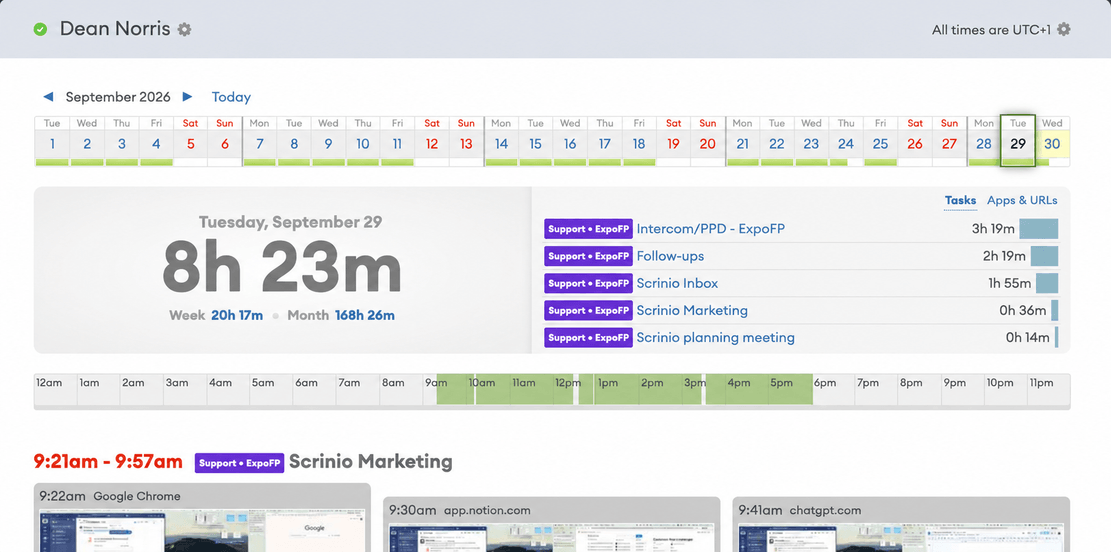
The value is recorded at the moment a screenshot is taken and stored with it. Switching the plan on starts the record from that day forward. It cannot fill in a month that was never measured.
More features
All features · How it works · Plans & pricing